Master the Website Design Process for Business Success
- brandedapptestuser
- Feb 9
- 8 min read

Every growing business faces the challenge of turning online visitors into loyal customers. Efficient website design starts with uncovering real audience needs and aligning project goals, a process backed by direct user research from trusted sources like the United States Web Design System. By focusing on audience personas and clear objectives, you will build a strong foundation for online visibility and sales. This guide delivers practical strategies entrepreneurs and digital marketers can use to create a website that truly supports business growth.
Table of Contents
Summary
Essential Insight | Explanation |
1. Define Goals and Audience | Start by identifying clear project goals and understanding your target audience with detailed personas. |
2. Plan Site Structure | Map out the site’s core content architecture to create an intuitive navigation experience for users. |
3. Choose Effective Design Templates | Select design templates that align with your brand identity and enhance user experience through customization. |
4. Integrate Key Features and Tools | Equip your website with essential functionalities such as payment systems and analytics for better performance. |
5. Thoroughly Test Before Launch | Ensure cross-browser compatibility, mobile responsiveness, and functionality to catch any issues before the live launch. |
Step 1: Define project goals and audience
Building a successful website starts with crystal-clear project goals and a deep understanding of your target audience. This crucial first step will set the foundation for every design decision you’ll make throughout the website development process.
Begin by conducting comprehensive audience research using multiple approaches. Practical user research methods can help you uncover critical insights about your potential visitors. Start by developing detailed audience personas that capture key demographic information, online behaviors, pain points, and motivations. Consider creating a matrix that includes:
Age range and professional background
Primary online goals and challenges
Device preferences and internet usage patterns
Specific needs related to your website’s purpose
Parallel to understanding your audience, clearly articulate your website’s primary objectives. These goals should be specific, measurable, and aligned with your broader business strategy. For example, an eCommerce site might aim to increase online sales by 25% within six months, while a service-based website could target generating 50 qualified leads monthly.
Here’s a quick summary of strategic website goals and their business impact:
Goal Type | Example Objective | Business Impact |
eCommerce Growth | Increase online sales by 25% in 6 months | Boosts revenue and market share |
Lead Generation | Generate 50 qualified leads monthly | Expands customer base |
Brand Awareness | Reach 10,000 unique visitors per quarter | Enhances brand recognition |
Customer Support | Improve response time by 20% | Raises satisfaction, loyalty |
Your website’s success depends on how well you understand and serve your target audience’s needs.
To refine your goals, analyze your competitors and identify gaps in their offerings. Design briefs provide excellent roadmaps for capturing these strategic insights, helping you create a focused and effective website that stands out in your market.
Pro tip: Use free tools like Google Analytics and social media insights to gather quantitative data about your potential audience and validate your initial research findings.
Step 2: Plan site structure and content
Creating an effective website requires strategic planning of your site’s structure and content to ensure a smooth, intuitive user experience. This crucial step will help you organize information logically and guide visitors exactly where they need to go.
Start by mapping out your website’s core content architecture. Semantic HTML document structure provides an excellent framework for organizing your site. Consider developing a hierarchical layout that includes:
Main navigation categories
Primary pages and subpages
Content flow and logical connections
Key information sections
Visualize your site structure like a tree diagram, with your homepage at the top and subsequent pages branching out systematically. This approach helps create a clear information hierarchy that makes navigation intuitive for your visitors. Think about how users will move through your site and what pathways they’ll most likely take.
A well-planned website structure transforms complexity into clarity for your visitors.
Site planning principles suggest analyzing your content through multiple lenses. Consider your audience’s needs, your business goals, and the most effective ways to present information. Develop content outlines for each page, ensuring that every section serves a specific purpose and connects logically to your overall website objectives.
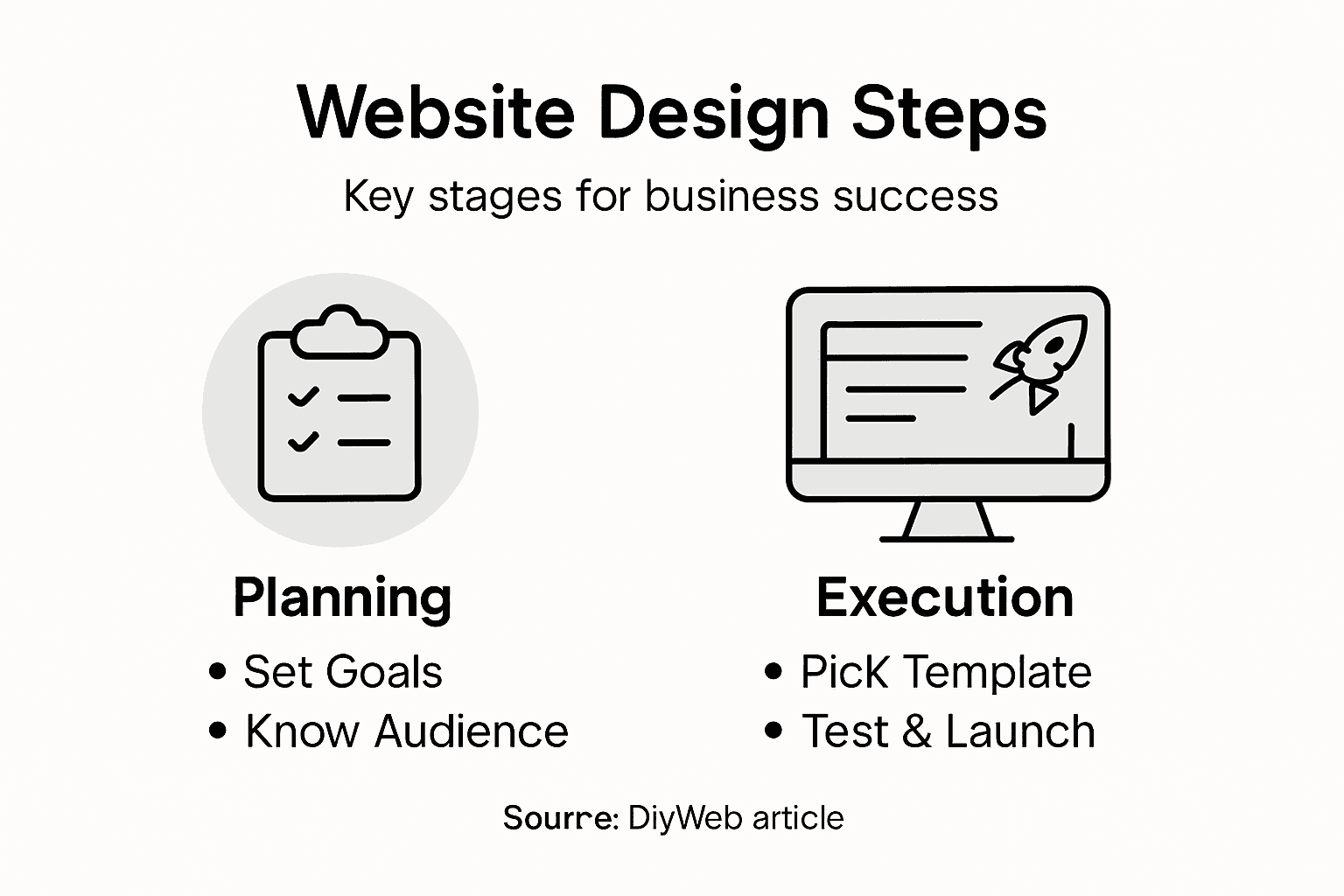
Pro tip: Use free mind mapping tools to sketch out your website structure before diving into design, allowing you to experiment with different content arrangements quickly and efficiently.
Step 3: Select and customize design templates
Choosing the right design template is a critical step in creating a professional and visually appealing website that reflects your brand’s unique identity. This stage transforms your strategic planning into a tangible visual experience for your visitors.
Academic poster template principles offer valuable insights into effective design customization. When selecting your template, focus on core design elements that align with your brand’s personality and target audience:
Color palette matching your brand identity
Font styles that enhance readability
Layout flexibility for your specific content needs
Responsive design across different devices
Carefully evaluate each template’s visual framework to ensure it supports your content structure. Look for options that provide intuitive navigation, clean visual hierarchy, and seamless integration of your brand elements. Some templates offer more customization options than others, so take time to explore the full range of design possibilities.
A well-chosen template is like a blank canvas waiting for your brand’s unique story.
Drawing inspiration from minimalist design principles, aim for a clean, professional look that prioritizes user experience. Remember that customization is not about overcrowding your design, but about making strategic choices that guide your visitors’ attention and communicate your message effectively.

Pro tip: Preview your selected template on multiple devices and screen sizes to ensure consistent visual appeal and functionality before making a final commitment.
Step 4: Integrate essential features and tools
Transforming your website from a basic design to a powerful business platform requires strategically selecting and integrating essential features that enhance functionality and user experience. This step is about equipping your digital presence with the right tools to drive engagement and achieve your business objectives.
Focus on core functionality features that align with your business model and audience needs:
Payment processing systems
Contact forms and communication tools
Analytics and tracking capabilities
Customer relationship management (CRM) integrations
Social media connection widgets
Security and privacy protection mechanisms
Carefully evaluate each tool’s compatibility with your website platform and its potential to streamline your business operations. Critical integration considerations include ease of use, scalability, and seamless performance across different devices and browsers.
The right tools can transform your website from a digital brochure into a powerful business engine.
Prioritize tools that offer robust integration capabilities and provide comprehensive support. Look for solutions that can grow with your business, offering flexible configurations and minimal technical overhead. Consider both immediate needs and potential future expansions when selecting your website’s feature set.
Use this reference table to understand essential website features and their effects:
Feature | What It Does | Business Benefit |
Payment Processing | Enables secure transactions | Drives sales, trust |
Contact Forms | Facilitates inquiries | Improves communication |
Analytics Tools | Tracks user behavior | Informs strategy decisions |
CRM Integration | Manages customer relationships | Fosters retention, upselling |
Security Mechanisms | Protects user data | Ensures compliance, safety |
Pro tip: Create a spreadsheet to compare potential tools, tracking key metrics like cost, integration complexity, user reviews, and specific features to make an informed decision.
Step 5: Review, test, and launch your website
Launching your website marks the exciting culmination of your hard work, transforming your digital vision into a live online platform. This final stage requires meticulous attention to detail to ensure a smooth, professional debut that meets both technical standards and user expectations.
Website launch checklists provide comprehensive guidance for critical pre-launch tasks. Systematic testing procedures should cover multiple dimensions:
Cross-browser compatibility
Mobile responsiveness
Page loading speeds
Functional links and forms
Content accuracy
Security configurations
SSL certificate validation
Carefully review every aspect of your website, paying special attention to user experience elements. Simulate different user scenarios and navigation paths to identify potential friction points or technical issues that might disrupt visitor interactions.
Perfection is not about achieving zero errors, but catching and resolving issues before your audience encounters them.
Beyond technical checks, validate that your website aligns with your original strategic goals. Verify key performance indicators such as intuitive navigation, clear messaging, and seamless interaction flows. Consider recruiting a small group of trusted individuals to provide objective feedback before your official launch.
Pro tip: Schedule your website launch during a low-traffic period and have a contingency plan ready to quickly address any unexpected technical challenges that might emerge.
Achieve Website Success with DiyWeb’s All-in-One Solution
The article highlights the challenges of building a website that truly aligns with your business goals and audience needs. From defining clear project objectives and planning a thoughtful site structure to selecting the perfect design template and integrating essential features, every step can feel overwhelming without the right tools and support. DiyWeb understands these pain points and offers an intuitive drag-and-drop editor, AI-powered design assistance, and responsive templates to simplify each phase of your website design process. Whether you are looking to boost eCommerce sales, generate qualified leads, or improve user experience, DiyWeb helps you deliver results that matter.
Take control now by exploring DiyWeb, your partner in turning strategic website visions into live, professional online platforms. With seamless integrations for payment gateways, analytics, and CRM, plus mobile app access for editing on the go, you have everything you need to launch confidently and manage growth efficiently. Learn more about how DiyWeb empowers you to master website design and watch your business thrive at https://diyweb.ai.
Get started today and transform your website design process effortlessly.
Build smarter. Launch faster. Grow stronger.
Explore DiyWeb and begin your journey now.
Frequently Asked Questions
What are the first steps to master the website design process for business success?
To master the website design process, begin by defining your project goals and understanding your target audience. Conduct audience research and create detailed audience personas to identify their needs and motivations, which will guide your design choices.
How can I effectively plan my website’s structure and content?
Plan your website’s structure by mapping out a clear content architecture that includes main navigation categories and subpages. Visualize this structure like a tree diagram to ensure users can navigate intuitively and access information easily.
What key design elements should I consider when selecting a website template?
When selecting a website template, focus on core design elements like color palette, font styles, and layout flexibility that match your brand identity. Choose a template that provides intuitive navigation and responsiveness across devices to enhance user experience.
Which essential features and tools should I integrate into my website?
Integrate essential features such as payment processing systems, contact forms, and analytics tools to enhance functionality. Select tools that streamline business operations and offer robust integration capabilities for future growth, ensuring your site remains effective.
What testing should I perform before launching my website?
Before launching your website, perform comprehensive testing on cross-browser compatibility, mobile responsiveness, and page loading speeds. Review all links, forms, and security configurations to identify any issues that could disrupt user experience.
How can I ensure my website aligns with my business goals after launch?
After launch, monitor key performance indicators like navigation intuitiveness and content clarity to ensure your website meets your business goals. Gather feedback from users and make adjustments as necessary to continue improving the site’s effectiveness.
Recommended